
Guide · input
Drink the Ocean Controls
One published key table, a phone variant, and the build caveat that decides whether it applies to you.
On the Playgama build: WASD moves, the mouse looks, left click drinks, Space jumps, 1-2-3 switch tools, T returns home, E opens the Sky Duck gifts, P opens settings and Tab frees the mouse. Phones use a hold-to-drink button instead of left click. Mana lists keyboard and mouse only and does not publish its own key table.
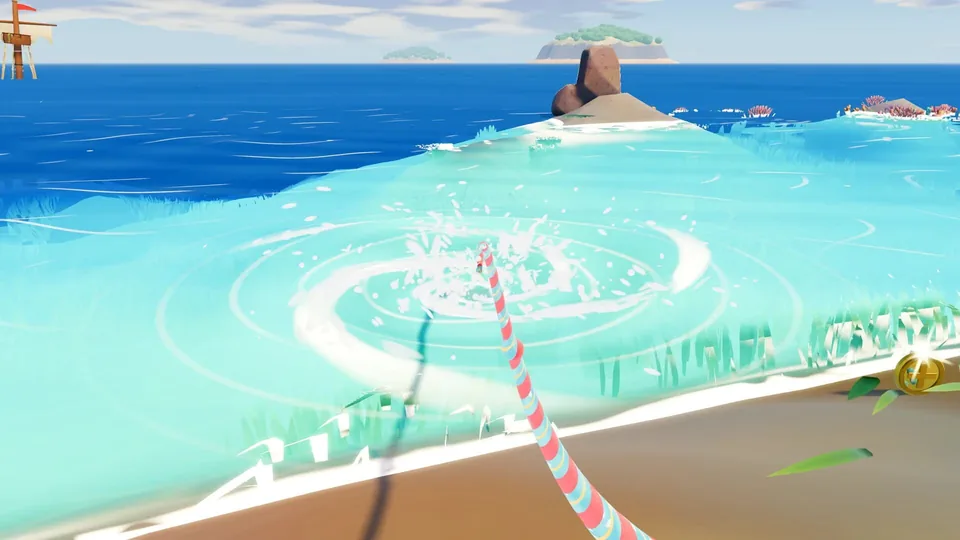
PC key table
| Action | Key or button | Notes |
|---|---|---|
| Move | WASD | Walk around the beach and seabed |
| Look | Mouse | Aim the straw and camera |
| Drink | Left click | Hold to keep drinking |
| Jump | Space | Jump over terrain and obstacles |
| Switch tools | 1, 2, 3 | Switch between the straw and unlocked tools |
| Go home | T | Return to the home island and shop area |
| Sky Duck gifts | E | Open the duck’s gift prompt |
| Settings | P | Opens settings; the options are not listed |
| Free the mouse | Tab | Release the cursor from the game frame |
Phone controls
| Action | Phone control | Confidence |
|---|---|---|
| Drink | Hold the on-screen DRINK button | Published |
| Look | Drag on the screen | Published in a third-party table |
| Move | On-screen stick “if shown” | Not confirmed for every device |
| Jump | Jump button | Published in a third-party table |
| Tools | Tool buttons | Published in a third-party table |
| Home | Home control in the player | Published in a third-party table |
| Gifts | Gift control in the player | Published in a third-party table |
| Settings | Pause or settings control | Published in a third-party table |
If the keyboard or mouse stops responding
Click inside the game frame once before using the keys. A page that has not received focus can ignore WASD while the rest of the browser keeps working.
If the pointer is captured and you need the browser back, press Tab. That releases the cursor on the Playgama build. In fullscreen, the same key should return the pointer; leave fullscreen if it does not.
What E actually does
The published table maps E to the Sky Duck gifts. One fan page folds E into drinking, using the PRESS and buying upgrades, but that conflicts with the published table. The Playgama field is the clearer source, and E is not the drink key there.
If E does nothing, check whether a gift prompt is currently available. The listing does not describe a cooldown or a required location.
The Mana page confirms keyboard and mouse but gives no key assignments. The recorded Mana sessions used the same broad actions—drink, walk, jump—but we did not verify each key against an official Mana source.
Treat this page as the Playgama key table unless you have checked a key in your own Mana session. Do not change a key from a copied guide and assume the official page endorses it. The how to play guide puts these keys into the first loop, and mobile play covers the touch limits.
Control questions
- 01How do I drink?
- Hold left click on PC or hold the DRINK button on a phone.
- 02How do I get the mouse back?
- Press Tab. The Playgama table lists it as “Free the mouse”.
- 03Can I use a controller?
- Neither official listing mentions controller support. Mana lists keyboard and mouse; Playgama lists keyboard, mouse and phone touch.
- 04Why does E not drink?
- E opens the Sky Duck gifts in the published table. Left click, or the phone DRINK button, is the drink action.